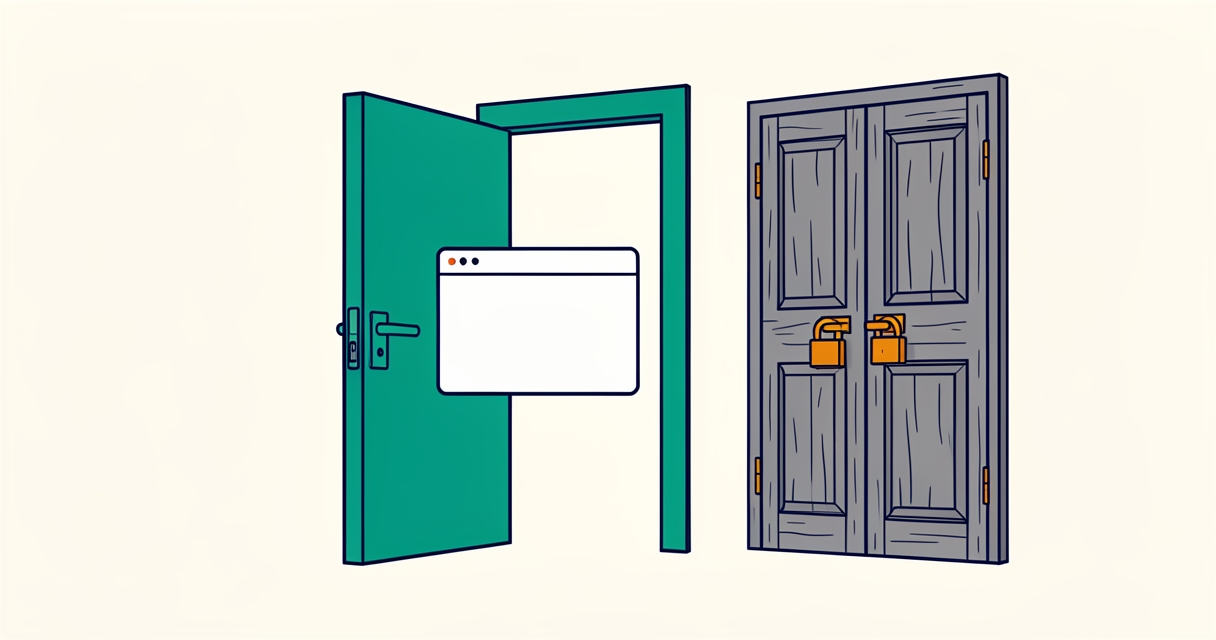
TLS 1.0 and 1.1 are deprecated and no current browser needs them. Why 1.2 is the right minimum today, how to check your traffic first, and the steps to change it per zone.
The minimum TLS version is one of the quickest security settings you can fix in Cloudflare, and it is easy to overlook because the default still accepts TLS 1.0. I recently went through it for a set of domains: measure first, change it per zone, verify. This post explains why TLS 1.2 is the right minimum today and gives the exact steps, so you can do the same in a few minutes.
What the setting does
TLS is the encryption between a visitor's browser and your site. Every connection starts with a handshake in which both sides agree on a protocol version. The Minimum TLS Version setting tells Cloudflare to refuse any handshake below the version you choose, for every proxied hostname in that zone.
It only covers the connection between the visitor and Cloudflare. DNS-only records, such as the ones your mail uses, never pass through it, and the connection from Cloudflare to your own server has its own settings.
Why TLS 1.0 and 1.1 should go
- They are formally deprecated. RFC 8996 (March 2021) deprecated TLS 1.0 and 1.1. They lack modern cipher suites and depend on older hash functions such as SHA-1.
- Browsers dropped them years ago. Chrome, Edge, Firefox and Safari all removed support for TLS 1.0 and 1.1 in 2020. A real visitor on a current browser never needs them.
- Compliance expects it. PCI DSS has not allowed early TLS for card data since mid-2018, and most security scanners and audits flag a 1.0 minimum as a finding.
- What still uses them is mostly noise. In practice the remaining traffic on old versions comes from outdated scripts, scanners and very old devices that cannot run a modern browser safely anyway.
Leaving the minimum at 1.0 does not make a site less reachable for people. It only keeps an old door open that nobody you want is using.
Why 1.2 and not 1.3
TLS 1.3 is faster and simpler, and Cloudflare already offers it to every client that supports it. Setting the minimum to 1.3, however, also refuses clients that can only do 1.2: some older Android devices, payment and webhook senders, monitoring tools and search or partner crawlers. TLS 1.2 with modern ciphers is still considered secure. A minimum of 1.2 removes the deprecated versions without shutting out legitimate traffic.
How I checked before changing anything
I did not want to guess, so I looked at the share of each TLS version over the last seven days first. The dashboard analytics can show this, and the GraphQL Analytics API exposes it per day in the clientSSLMap field of httpRequests1dGroups. The old versions were a rounding error, practically nothing next to TLS 1.2 and 1.3. That made the decision easy.
Then I listed every zone in the account. Each zone has its own setting, and the small zones that only redirect to a main domain had been left on the default as well.
The change itself
In the dashboard, for each zone:
- Open the zone and go to SSL/TLS and then Edge Certificates.
- Scroll to Minimum TLS Version and choose TLS 1.2. It saves at once and is live within about a minute.
With many zones, the API is quicker. This sets one zone, with a token that has Zone Settings edit rights:
curl -s -X PATCH \
  -H "Authorization: Bearer $CF_API_TOKEN" \
  -H "Content-Type: application/json" \
  --data '{"value":"1.2"}' \
  "https://api.cloudflare.com/client/v4/zones/$ZONE_ID/settings/min_tls_version"
Verifying it worked
Read the setting back for every zone, then test the handshake from a terminal. TLS 1.1 must fail and 1.2 must still connect:
openssl s_client -connect example.com:443 -servername example.com -tls1_1 </dev/null
openssl s_client -connect example.com:443 -servername example.com -tls1_2 </dev/null
The first command should end without a negotiated cipher, the second should show TLSv1.2. Finally, click through the flows that matter most on your site, such as checkout, forms or anything that opens in a new tab, in a normal browser window.
What I do not know yet
A week of data does not show every client. A partner integration or an old monitoring tool that connects only once a month could still rely on TLS 1.1, and I would only see that when it fails. I will keep an eye on error reports for a few weeks. I have also not measured whether the change makes any difference to speed; I do not expect it to, since nearly all traffic already used TLS 1.3.
Frequently asked questions
Will raising the minimum lock out real visitors?
Almost certainly not. Every current browser has used TLS 1.2 or 1.3 since 2020, so the visitors you lose are very old devices and outdated scripts. Check your own analytics first; if the share on TLS 1.0 and 1.1 is near zero, the change is safe.
Should I go straight to TLS 1.3?
Not yet for a public site. It refuses clients that only support TLS 1.2, which still includes some payment, webhook and crawler traffic. TLS 1.2 as the minimum, with 1.3 offered to everyone who can use it, is the balanced choice today.
Does this change affect email or the connection to my own server?
No. The setting only applies to proxied hostnames between visitors and Cloudflare. Mail records are DNS-only and never pass through it, and the connection from Cloudflare to your server is configured separately.
What to do first
- Look up the share of TLS 1.0 and 1.1 requests over the last 7 to 30 days.
- List every zone in your account, including small redirect domains.
- Set Minimum TLS Version to TLS 1.2 in each zone.
- Read the setting back and test the handshake with
openssl. - Click through your most important flows and watch error reports for a few weeks.
More notes on keeping sites safe are under security, and everything about this network is collected on the Cloudflare tag page.

